What is music production?
Music production builds a song around your idea—from creating the beat and arranging sections to shaping the sound and preparing the final record.

Professional mixing, mastering, custom beat production and complete music production for artists who want their music to stand out.
Choose a service to see plans, pricing and what is included.
Choose the production level that fits your song. Message us on WhatsApp to get started.
Music production builds a song around your idea—from creating the beat and arranging sections to shaping the sound and preparing the final record.
If your instrumental and vocals are ready and you mainly need them balanced and polished, choose Mixing & Mastering.
*Revisions apply to the agreed creative direction. Major changes to the original concept may incur additional charges.
For songs you've already recorded. Choose your plan based on the number of stems and the processing required.
Mixing blends vocals, ad-libs, backing vocals and instrumental so they sit together clearly with the right balance, space and effects.
Mastering is the final polish on a completed mix, helping prepare it for release with controlled loudness and tonal balance.
Stems are the separate exported audio tracks of your song. Export them from the same start point so they line up correctly.
A first release should teach you the whole process without using up the time, money and energy you need for your second song. Nobody can promise streams or playlist placements, so plan for steady releases, not one big launch.
A distributor delivers your song to Spotify, Apple Music, YouTube Music and other stores. DistroKid, TuneCore, CD Baby and RouteNote are examples to compare. None is the best for everyone. Check each one's official pricing page and compare:
Prices and rules change, so verify them directly before you pay.
Hear the difference. Compare the original recording with the mixed and mastered version. Playing one example will automatically stop the others.
Click play to listen
Click play to listen
Click play to listen
Click play to listen
Click play to listen
Click play to listen
Click play to listen
Click play to listen
Click play to listen
Click play to listen
Click play to listen
Click play to listen
Click play to listen
Click play to listen
Click play to listen
Click play to listen
Two playlists, two kinds of work. Press play here or open them on YouTube.
Listen to selected tracks mixed and mastered by Dee Ven.
Listen on YouTubeExplore selected tracks produced by Dee Ven.
Listen on YouTubeExplore Dee Ven’s released music on Spotify and follow the official YouTube channel for more music and selected work.
Sample packs and courses you can buy online. Everything you buy appears in My Artist Dashboard under My Content.
MIDI files, WAV loops, kicks, drums and melodies, made for producers. The first packs are on the way.
COMING SOONA dedicated course on mixing and mastering is currently in development. More details about the lessons and enrollment will be announced soon.
COMING SOON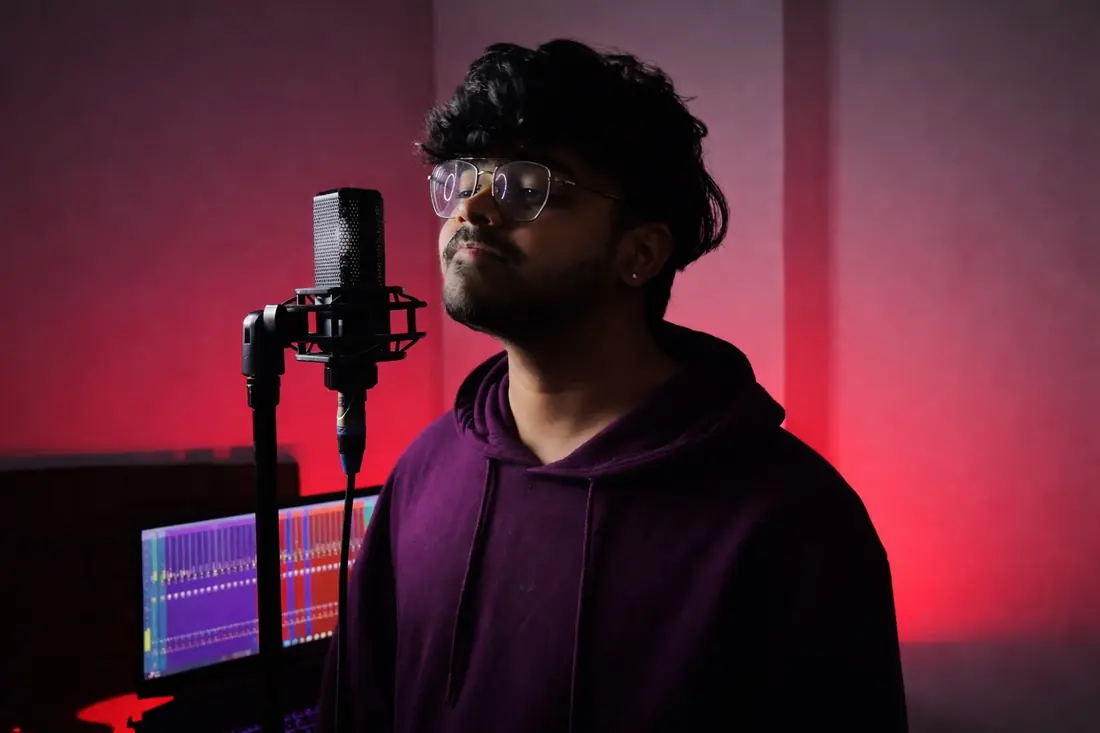
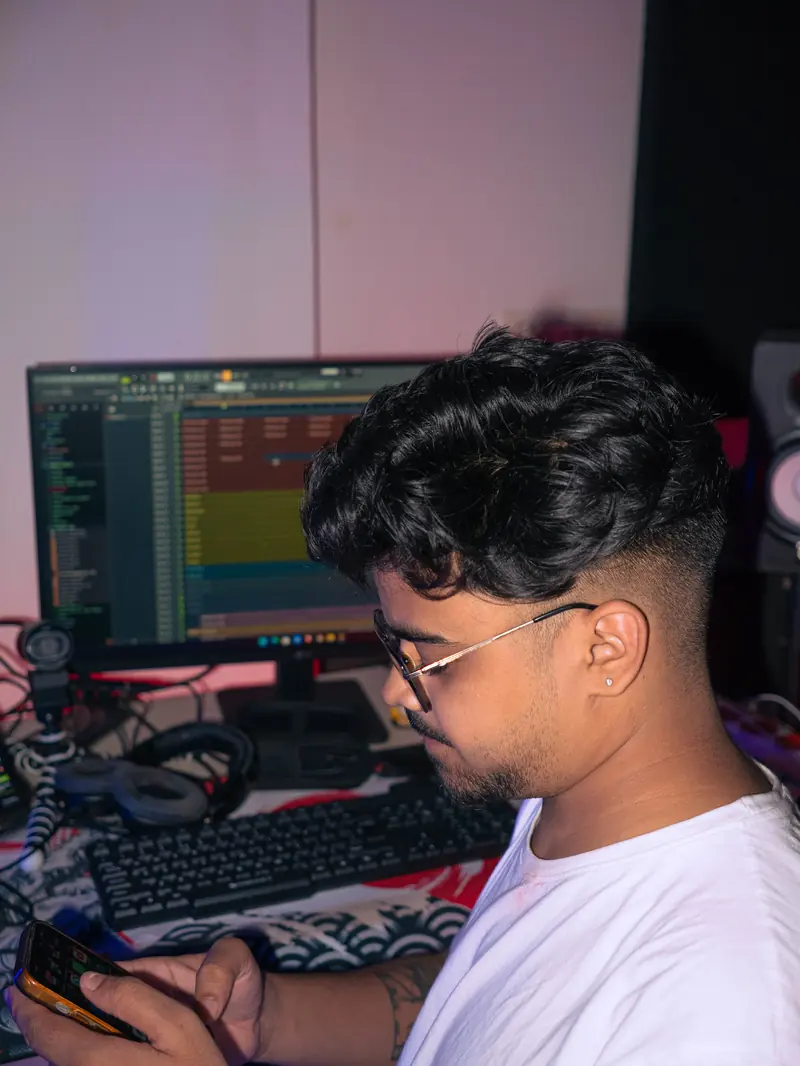
I'm Dee Ven, born in 2005 and originally from Jharkhand. I'm currently based in Delhi, where I'm working to build my career in music.
I started making music in 2021. Alongside producing, I create content on Instagram and teach music production through my online content. I also share music-related content and tutorials on YouTube.
I'm focused on improving my sound, working with artists, and helping more people learn about music production.
Every project is handled online, so you can work with Dee Ven from anywhere.
Have a track in mind? Tell me about your project and let's discuss the right sound for it.
Working on an EP or album? Message me and we'll discuss it.
Instagram @deeven.om | WhatsApp +91 7321989496
Basic: one beat/instrumental WAV (single file) plus up to 5 vocal stems. Pro: up to 30 stems. Premium: up to 45+ stems. If you're unsure how to export your files, message me and I'll guide you.
Basic (Starter) is custom beat production with a standard arrangement and basic mix preparation. Pro and Premium are full music production and arrangement with professional mixing and mastering. Premium adds advanced sound design, detailed vocal production, advanced automation and more.
Yes. Message me on Instagram or WhatsApp with your idea or demo and we'll talk through the right plan.
For beat making and music production, Basic includes 5 revisions and Pro and Premium include unlimited revisions*. Revisions apply to the agreed creative direction, and major changes to the original concept may incur additional charges. Revision details for mixing and mastering aren't listed, so please ask me before booking.
Beat making and music production: Basic includes standard WAV delivery. Pro includes a WAV + MP3 final master. Premium includes everything in Pro, plus clean and instrumental versions and individual stems. For mixing and mastering formats, please ask me.
Yes. Projects are handled online, so you can work with Dee Ven from anywhere.
Choose a plan above, or message me on Instagram or WhatsApp. Tell me about your project, send your demo, and we'll go from there.
Create an account to access your artist dashboard and, later, your purchased courses, sample packs and VSTs across devices.
Before creating your account, please double-check your email address for accuracy. An incorrect email may prevent you from confirming your account or recovering your password. If email confirmation is enabled, check your inbox and spam folder. Creating an account does not unlock paid content; verified purchases will appear under My Content.
Your purchased courses, sample packs, presets and VSTs will appear here once purchases are verified and connected to your account. Signing up alone does not unlock paid content.
Make DEE AI feel more like your assistant. Choose how you want replies to sound and what preferences it should follow. These settings guide responses — they do not retrain the underlying AI model — and are saved to your account.